🔥 Design Webflow sites with AI
Since Android is one of the market leaders and the API is the bridge that provides communication between the device and server systems, its testing becomes one of the key tasks for QA teams. The difficulty is that the number of Android devices in the world exceeds millions, and each of them has its own characteristics. However, this is not a reason to put API verification on the back burner. If it does not work, the rest of the systems will also fail.
In the article below, we will discuss API testing goals and analyze potential problems to help you better navigate the process.
Android is a popular operating system that dominates the industry. It features an easy-to-navigate architecture and, like other operating systems, offers a wide selection of applications and software.
Each application is a complex network of functions that requires development and verification before release. Android app testing includes many types. The main ones are:
Simply put, the API connects applications to databases, payment gateways, and other servers. If it works smoothly, the application works correctly. If not, functions fail one after another, making it impossible to continue using the app and the device.
You can prevent a disappointing experience with the help of thorough testing. In terms of APIs, it aims to verify the correctness of requests and responses, prevent possible unauthorized access, and determine response times under different loads.
Although API is a complex mechanism, some proven tips can save you both time and effort when testing it.
You should test your API from start to finish. However, each test case you run should have a specific purpose. For example, you might test for compliance, compatibility, or functionality. Define a specific objective and metrics to track to ensure successful testing.
The modern market offers a multitude of tools to make API testing easier. Your task is to choose the right ones depending on their purpose. Identify specific tools for stress testing, process automation, etc.
Some types of testing, such as regression testing, are mandatory but time-consuming. Automation makes the process easier. It minimizes human error and allows you to integrate updates into existing systems faster.
There are thousands of Android devices. You won’t be able to physically test them all, and you will have to use emulators. However, don’t rely completely on them. Use real devices as well to get a better idea of how different APIs are working.
Run API testing alongside other tests to see how well the system responds over time. This approach also provides better test coverage and reduces the risk of defects after release.
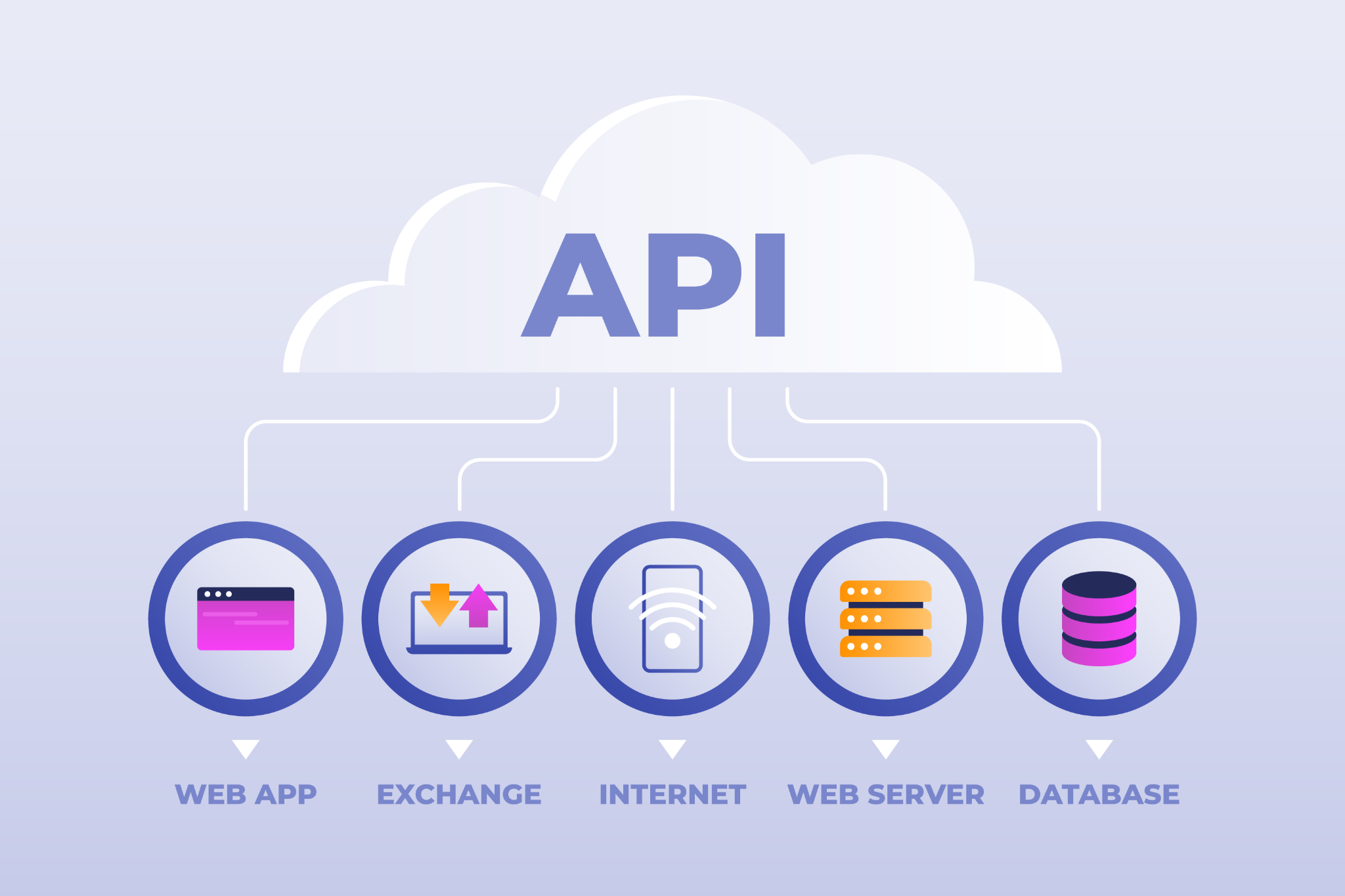
To be able to evaluate the effectiveness of the API testing process, you need to make a list of metrics that you will track. Their list can be very long, but when it comes to API verification, we can highlight the 3 most important ones. They are:
Also consider the basic correctness of the system. The API should handle errors well, returning clean codes in case of failures.
If you prepare a detailed strategy and act step by step, the risk of failure can be significantly reduced. However, there are several common problems that most QA teams face during API testing:
Although there are many challenges, you have enough resources to overcome them. You can use simulated cloud environments or dummy servers to stay within the time frame.
API testing is not a whim but a prerequisite for the successful functioning of Android devices and applications. Neglecting it, you risk releasing low-quality software and losing your reputation. On the other hand, by performing it on time, you can achieve defect-free and profitable software.




.png)